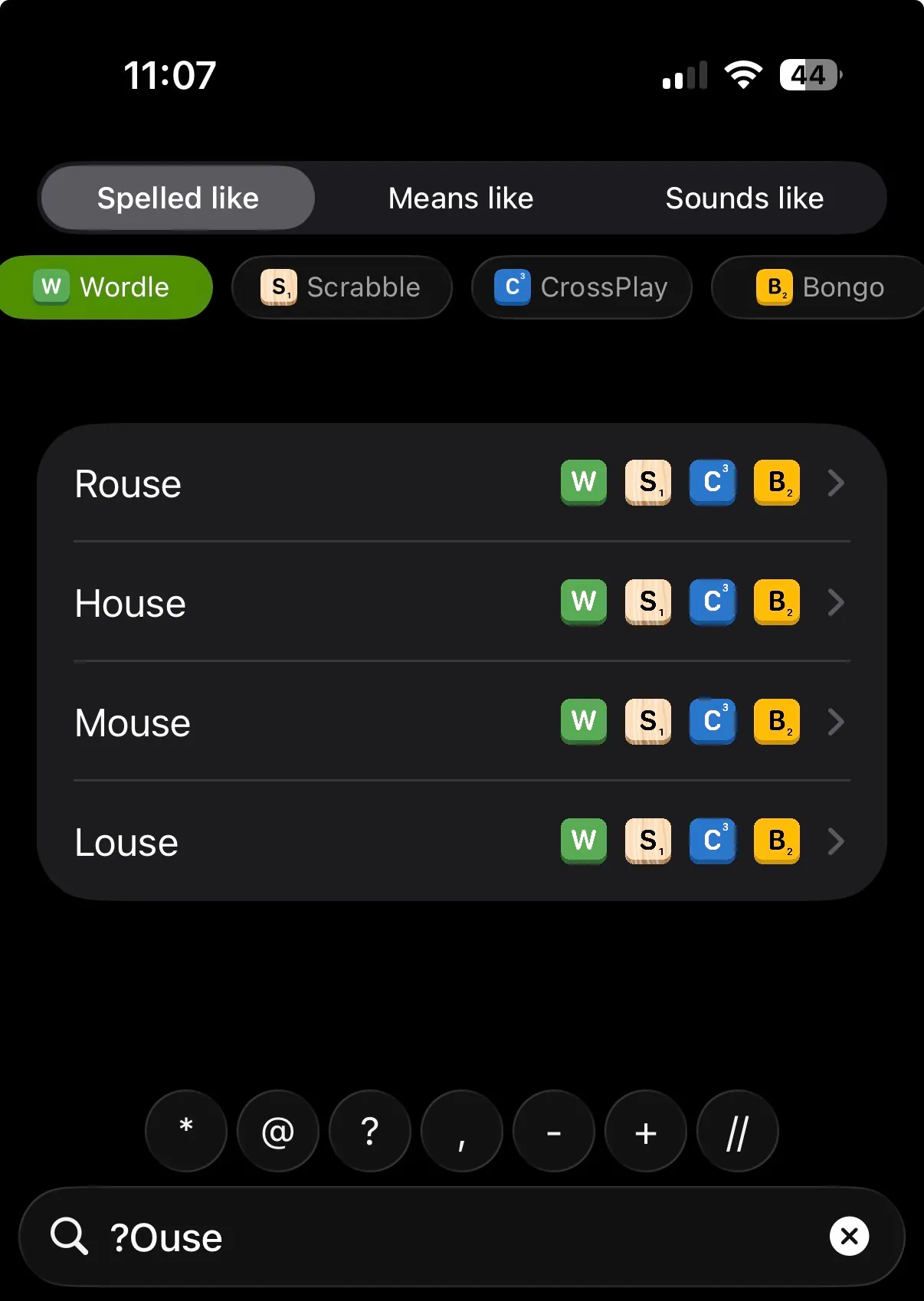
Fix image paths and clean up README
Updated image source paths and removed platform images.
add CrossPlay filter and dictionary support (#14)
- Add CrossPlayDictionary enum with NWL and CSW editions, default NWL2023
- Add isCrossPlay flag to DataMuseWord, WordFlags, WordEntry, and DB schema
- Add crossPlay case to WordFilter for filtering search results
- Load crossplay word lists from the crossplay/ bundle directory
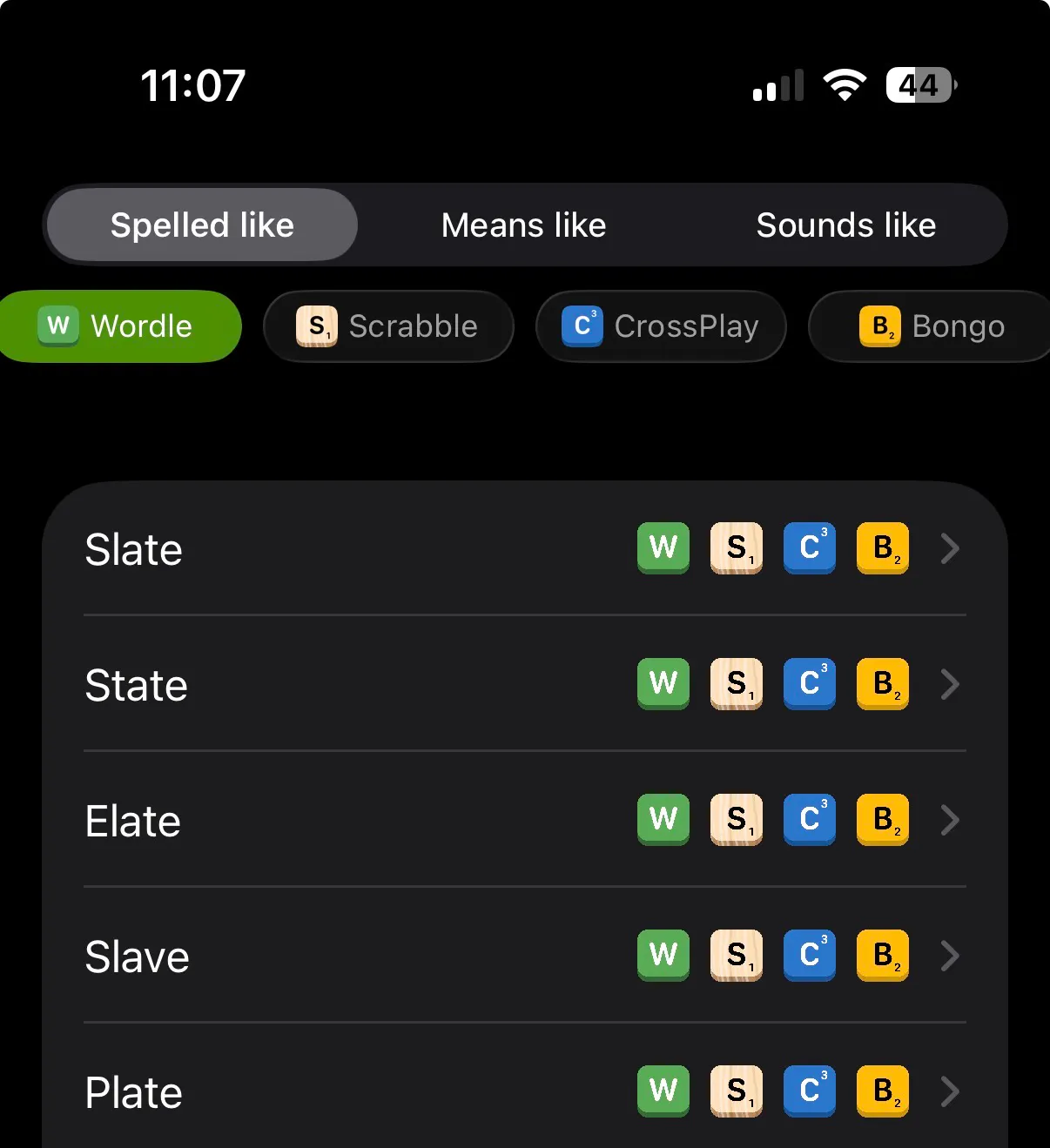
- Show CrossPlay badge in WordView and WordDetailView
- Add CrossPlay toggle and dictionary picker to SettingsView
- Move NWL/CSW files from scrabble/english/ to crossplay/
- Change default Scrabble dictionary to SOWPODS
- Bump DB schema version to 4 to force rebuild
Co-authored-by: Cursor <cursoragent@cursor.com> - #14
More dictionaries (#13)
* Add xcode skills
* update images
* Add more dictionaries
* fix search button
* fix coding errors
* Refactor search functionality in ContentView and handle task cancellation in DataMuseViewModel
- Updated ContentView to replace the previous search implementation with a toolbar-based search button.
- Enhanced DataMuseViewModel to catch and log task cancellations, providing clearer feedback for expected user interactions.
* fixes
* V0 UIKit
* improvements
* works
* cleanup
* yess works
* fix buttons
* fix title not being hidden
* Remove scrabble icon style picker
Remove the scrabbleIconStyle @AppStorage and the currentIconStyle computed property, and delete the Picker that allowed selecting a scrabble icon. The DictionaryToggleRow now uses the static "Scrabble" image name instead of a user-selected icon style, simplifying the SettingsView UI and state management.
* fix tests
* fix tests
* Update UIKitBridge.swift
* remove workflow tests
* use @AppStorage for reactive scrabble icon style
Replace static ScrabbleIconStyle.current reads with @AppStorage so
the badge image updates immediately when the user changes the setting.
Co-authored-by: Cursor <cursoragent@cursor.com>
* cancel in-flight rebuild when dictionary selection changes
Prevents multiple concurrent rebuilds from racing and prematurely
hiding the progress spinner.
Co-authored-by: Cursor <cursoragent@cursor.com>
* log search history errors and harden database rebuild
Replace silent try? with do/catch + os.Logger so persistence failures
are diagnosable. Explicitly close and delete the old DB during rebuild.
Co-authored-by: Cursor <cursoragent@cursor.com>
* update searchTextSelection after fallback append
Keeps the cursor position consistent when the selection is
missing or invalid and the label is appended to the end.
Co-authored-by: Cursor <cursoragent@cursor.com>
* fix WildcardToolbarView doc comment to match implementation
The comment incorrectly described raw UIViews with tap gestures;
the actual code uses NonStealingButton (UIButton subclass) with UIAction.
Co-authored-by: Cursor <cursoragent@cursor.com>
* add assertion to search history test
Make testAppendSearchHistoryIgnoresEmptyValues async and assert that
empty/whitespace queries leave the history unchanged.
Co-authored-by: Cursor <cursoragent@cursor.com>
* fix flaky UI tests by pacing rapid button taps
Rapid fire taps outrun the UIKit responder chain so insertions get
dropped. Add a small delay between taps and poll for the expected
search field value before asserting.
Co-authored-by: Cursor <cursoragent@cursor.com>
* harden UI tests for slow Xcode Cloud runners
- Focus the search field before tapping toolbar buttons so insertText
has a target first responder.
- Verify each individual tap registered before moving to the next;
retry up to 3 times with re-focus if a tap is swallowed.
- Use generous timeouts and polling assertions throughout.
- Re-focus after clearing input since the keyboard may dismiss.
Co-authored-by: Cursor <cursoragent@cursor.com>
* move retry logic to individual taps with incremental backoff
Each tap now retries up to 5 times with exponential backoff
(0.5s, 1s, 2s, 4s) and re-focuses the search field between
attempts. Removes test-level retry wrapper in favour of making
every single tap resilient to slow Xcode Cloud runners.
Co-authored-by: Cursor <cursoragent@cursor.com>
* Update PapiaUITests.swift
---------
Co-authored-by: Cursor <cursoragent@cursor.com> - #13
Update macOS runner for iOS tests workflow
Changed the GitHub Actions runner from 'macos-latest' to 'macos-26' for the ios-tests job to ensure compatibility with newer macOS environments.
Add post-clone script step to CI workflow
Introduces a new step in the GitHub Actions workflow to run 'ci_scripts/ci_post_clone.sh' after cloning the repository. This allows for any necessary setup or configuration before running tests.
Update Xcode project and test plan names in CI workflow
Changed the project, scheme, and test plan names in the GitHub Actions workflow from 'Pápia' to 'Papia' and updated the test plan to 'TestPlan' to match the current project configuration.
rename papia to remove special character
Run CI tests on iPhone 17 Pro
Co-authored-by: stef.kors <stef.kors@gmail.com>
Use generic iOS simulator destination
Co-authored-by: stef.kors <stef.kors@gmail.com>
Use HTTPS URL for sqlite-data package
Co-authored-by: stef.kors <stef.kors@gmail.com>
Use HTTPS for sqlite-data dependency
Co-authored-by: stef.kors <stef.kors@gmail.com>
Add CI workflow for tests
Co-authored-by: stef.kors <stef.kors@gmail.com>
Add search memory tests
Co-authored-by: stef.kors <stef.kors@gmail.com>
Reduce search memory growth
Co-authored-by: stef.kors <stef.kors@gmail.com>
clear filters button when no results
Refactor: Display synonyms inline with definitions
Co-authored-by: stef.kors <stef.kors@gmail.com>
Fix: Handle invalid text selection ranges and add crash test
Co-authored-by: stef.kors <stef.kors@gmail.com>
Add cursor rules documentation for cross-platform development
Co-authored-by: stef.kors <stef.kors@gmail.com>
Checkpoint before follow-up message
Co-authored-by: stef.kors <stef.kors@gmail.com>
Refactor settings view to use custom row and header components
Co-authored-by: stef.kors <stef.kors@gmail.com>
Add word filtering functionality and UI elements
Co-authored-by: stef.kors <stef.kors@gmail.com>
Add settings button to search content unavailable view
Co-authored-by: stef.kors <stef.kors@gmail.com>
Refactor: Use body font style for toolbar buttons
Co-authored-by: stef.kors <stef.kors@gmail.com>
Update ToolbarButtonComponent.swift
fix cursor insertion point
fix logging and picker position
add bongo and scrabble wordlists
UI fixes for search + scrabble words?
migrate to updated settings
fix crash for ToolbarButtonsGroup
improve macos window styles
init controls buttons target
Update SearchToolbarButtons.swift
fix for retroactive error
Update WordDetailView.swift
remove swiftdata to support iOS 16